Community Training Classes & Labs > F5 CSP Big Data Training Index
Lab 1.6: Send Logs to ELK Stack
Configure f5 for logging to new ELK stack
Check that data is arriving at ELK stack
Task 1 - Confirm BIG-IP is sending logs to ELK Stack
- Confirm via TMUI that the setup from Class 1 Lab 2.1
Update AFM Reporting to include what was not included in previous lab.
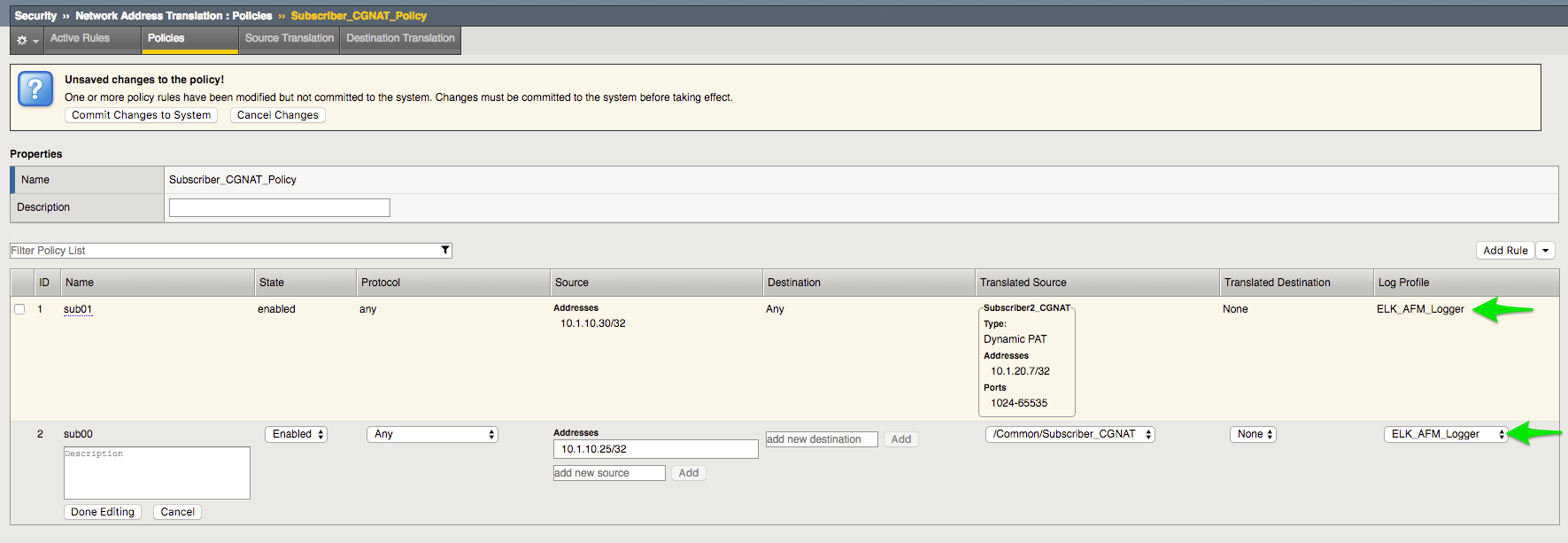
Note
- Make sure the correct port is allocated as per previous Logstash configuration
- Pool = tcp server:5514 - PEM
- Pool = tcp server:5515 - DNS
- Pool = tcp server:5516 - AFM/CGNAT
- Confirm Data is arrinving on server
sudo tcpdump -i eth1 port 5514
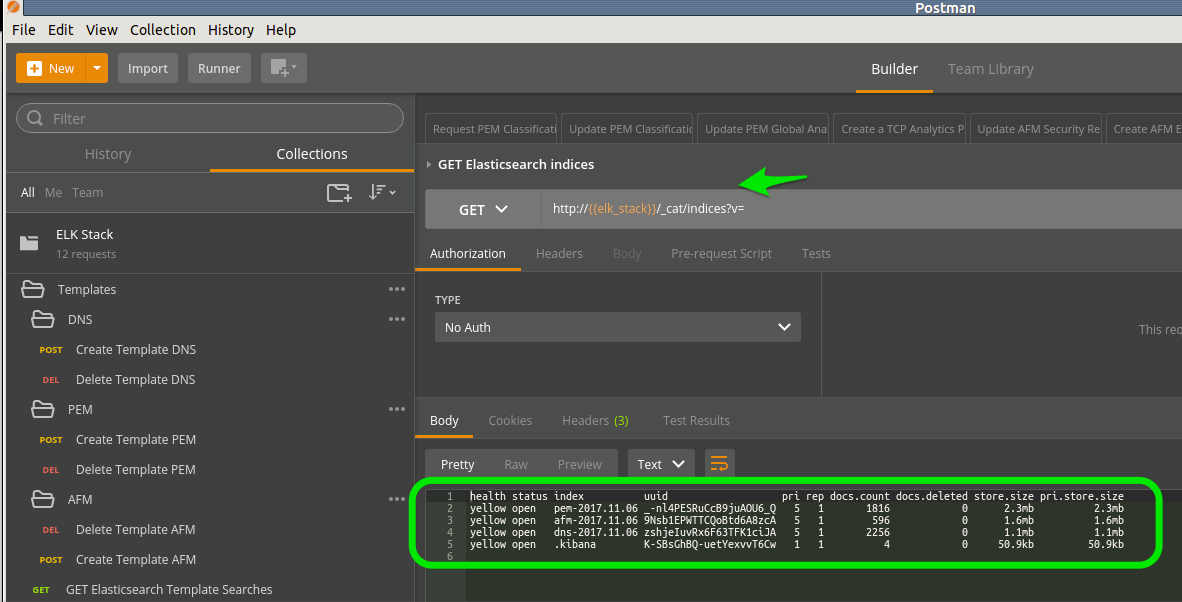
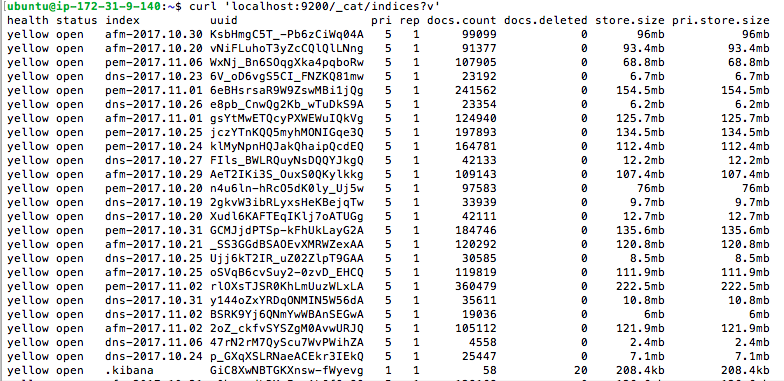
- Check that Data is arriving in the Index
curl ‘localhost:9200/_cat/indices?v’
or via POSTMAN